This post is also available in: Español (Spanish) Português (Portuguese (Brazil))
What is AI Illustration Design?
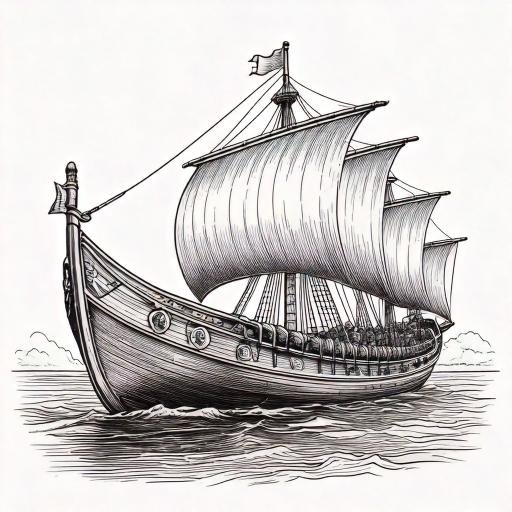
AI illustration design refers to the use of advanced algorithms and artificial intelligence-based tools to create custom graphics. These tools can generate sketches in a matter of minutes based on inputs like text, reference images, or specific parameters.
AI doesn’t replace designers; it enhances their creativity. With these technologies, designers can speed up the process, experiment with new ideas, and create illustrations that would have otherwise taken days.
Tools for AI Illustration Design
Several platforms are emerging as leaders in graphic design using AI.
1. Adobe Firefly
A tool specifically designed for creators, Firefly can generate illustrations from text, adjust artistic styles, and edit details with precision. Its integration with other Adobe tools makes it ideal for professionals.
2. MidJourney
A popular platform among artists and designers, MidJourney creates illustrations from descriptions and delivers results with a unique artistic focus.
3. DALL·E
Developed by OpenAI, DALL·E can generate images from text or even edit existing illustrations. It’s perfect for those looking to experiment and achieve excellent results.
4. Canva
While not purely an AI tool, Canva has incorporated features like “Magic Design,” simplifying the creation of graphics and customised illustrations generated automatically.
Benefits of AI Illustration Design
1. Time Savings
AI can create illustrations in minutes, allowing designers to focus on more strategic or creative tasks.
2. Accessibility for Beginners
You don’t need to be a design expert to create impactful illustrations. AI tools are user-friendly.
3. Unlimited Customisation
Experiment with different styles, colours, and elements until you find the perfect design for your project.
4. Cost Reduction
Instead of hiring a designer for every project, AI tools provide cost-effective solutions for creating graphics.
Challenges of Designing with AI
While the advantages are numerous, there are some challenges to consider when using AI for illustration design:
1. Lack of Originality
AI generates content based on pre-existing patterns, which means some designs may lack a unique touch.
2. Learning Curve
Though many tools are easy to use, it can take time to learn how to achieve good results.
3. Technological Dependency
Excessive reliance on AI may limit the development of traditional design skills.
4. Copyright Issues
Since illustrations are generated from existing databases, it’s crucial to verify that the content is legal to use.
How to Get Started with AI Illustration Design
If you’re interested in exploring AI design, here’s a step-by-step guide to get started:
Step 1: Define Your Needs
Before using an AI tool, be clear about what type of illustration you need. Is it for a logo, an ad campaign, or a personal project?
Step 2: Choose the Right Tool
Select the platform that best suits your project. If you’re looking for simplicity, try Canva. For something more advanced, Adobe Firefly is an excellent choice.
Step 3: Experiment
Play around with different inputs, styles, and parameters. AI is flexible, so don’t hesitate to try new things.
Step 4: Edit and Refine
Although AI does much of the work, final touches are always important. Use editing software to polish details and ensure the design meets your expectations.
Use Cases: Where to Apply AI Illustration Design
AI illustration design has virtually unlimited applications. Here are a few examples:
- Social Media: Create visually appealing posts in minutes.
- Product Design: Craft unique patterns for clothing, accessories, or packaging.
- Advertising: Design customised banners, flyers, and ads.
- Digital Art: Explore new techniques and artistic styles.


